Vector File Extensions: Which Ones Are Truly Vector and Which to Send Your Digitizer
Which file extensions are vector (AI, EPS, SVG, PDF, CDR, DXF and more), why a vector extension does not prove the artwork inside is vector, how to check a file in a minute, and which one to send for embroidery digitizing, screen print, vinyl, DTF and laser.
Key takeaways
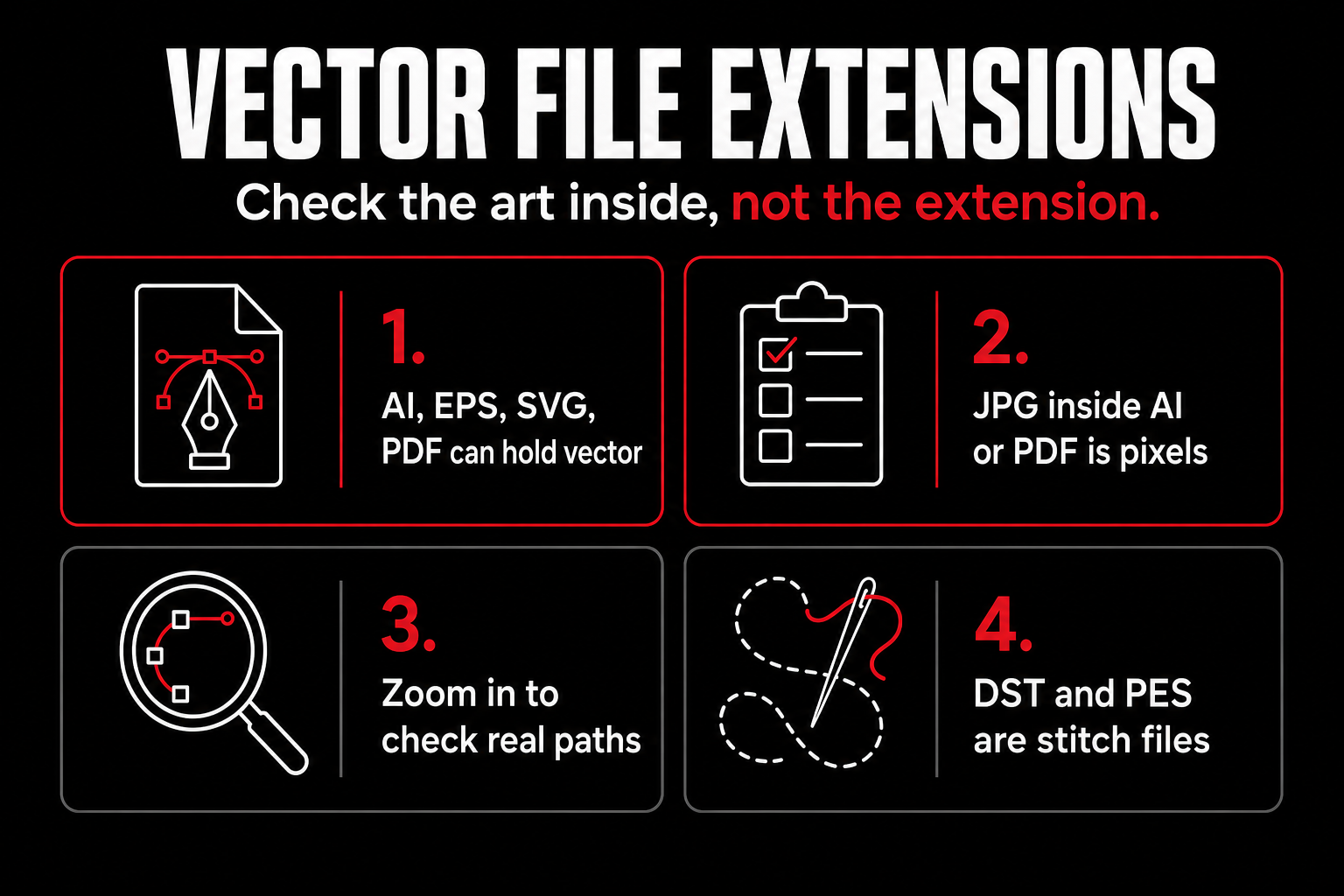
- The common vector file extensions are .AI, .EPS, .SVG, .PDF, .CDR, .DXF, .WMF/.EMF and .AFDESIGN, but an extension only says what the file can hold, not what is inside it
- A JPG or PNG placed inside an .AI, .EPS, .PDF or .SVG file is still a raster image, so zoom in and click the artwork to check it is real paths before you rely on it
- Embroidery files such as DST, PES and EXP are stitch files, not vector art; send a clean vector (AI, EPS, SVG or PDF) with fonts outlined, and your digitizer builds the stitches from it
TL;DR: The most common vector file extension is .AI, followed by .EPS, .SVG, .PDF, .CDR and .DXF. An extension only tells you what a file can hold: a JPG pasted into an .AI, .EPS or .PDF is still pixels. Check by zooming in and clicking the artwork. For embroidery, send a true vector with outlined fonts; our vector art conversion team rebuilds anything that is not.
AI-generated infographic.
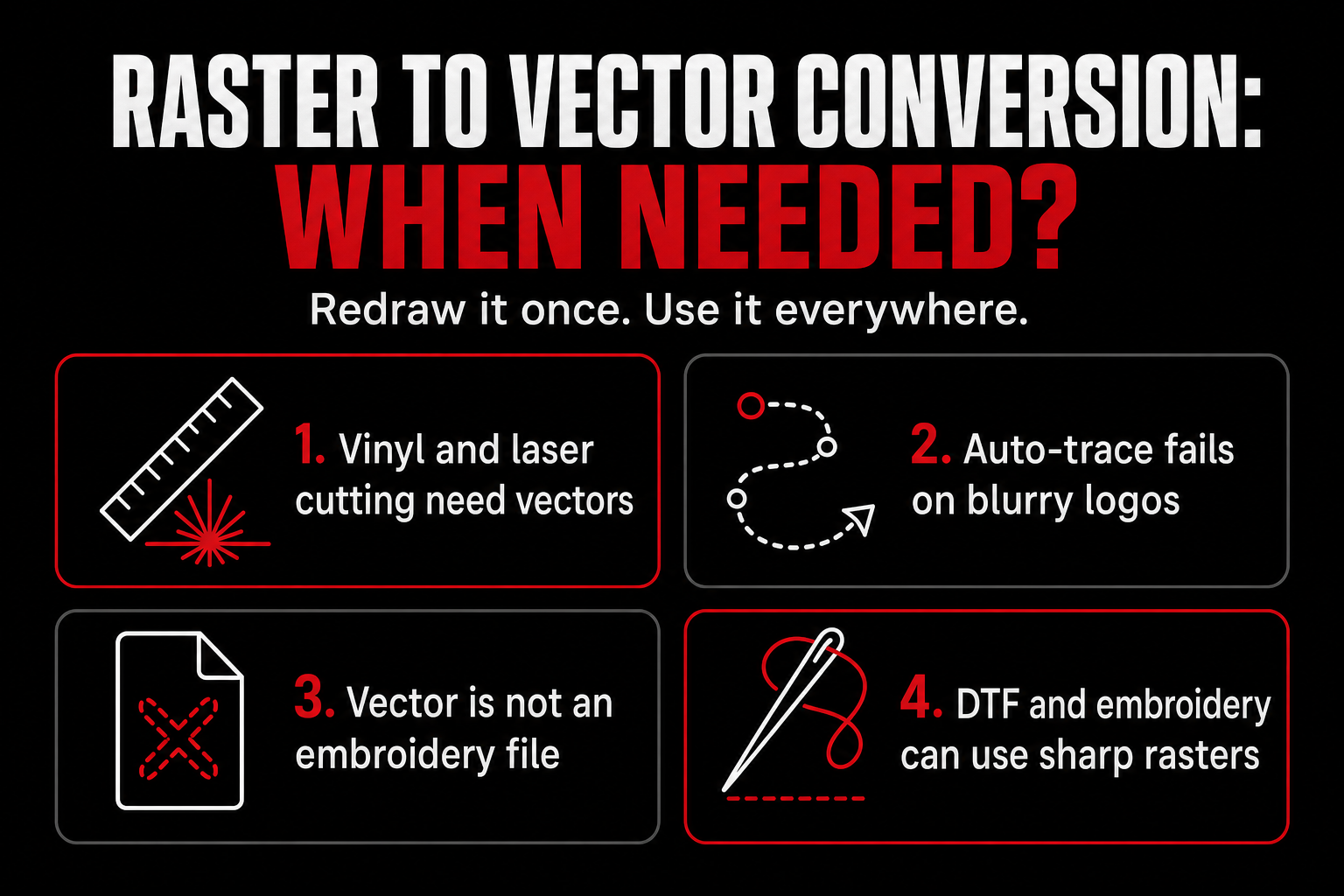
If you run an embroidery shop or decorate garments, customers send artwork in every extension imaginable. Some of it is a genuine vector you can scale to any size, and some of it is a low-resolution JPG wearing a vector costume. This guide lists the vector extensions you will meet, shows which programs made them, explains the trap that catches most people, and says which file to ask for when the job is embroidery, screen print, vinyl, DTF or laser. For what vector and raster mean and when a redraw is needed, see our guide to raster to vector conversion.
What is a vector file extension?
A file extension is the suffix after the dot in a filename, such as .svg or .eps. A vector file extension is one that belongs to a format built to store artwork as paths: points, lines, curves and fills described by maths rather than a grid of pixels. Because the file holds instructions instead of pixels, the art can be scaled up or down without going soft.
You will see the same idea called a vector image extension, vector graphics extension, vector file suffix or vector file ext. They all mean the same thing: the three or four letters that tell your computer which format the file uses and which program should open it.
The important word is can. A vector format can hold paths, but several of them can also hold raster images. Adobe notes that an AI file can contain both vector and pixel image data, and the SVG specification lists images as one of the three kinds of graphic object an SVG can contain, next to vector shapes and text. So the extension is a hint, never proof.
Quick reference: common vector file extensions
| Extension | Made by or used for | Opens in | Best use |
|---|---|---|---|
| .AI | Adobe Illustrator native file | Illustrator; other programs only if saved PDF-compatible | Master artwork, layered, editable |
| .EPS | Encapsulated PostScript, older print-industry exchange format | Illustrator, CorelDRAW, Inkscape, most embroidery software | Sending a logo to a printer or digitizer |
| .SVG | Open web standard (XML text) | Browsers, Illustrator, Inkscape, CorelDRAW, Affinity | Web logos, cutters, quick sharing |
| Portable Document Format | Acrobat, Illustrator, Inkscape, most design tools | Proofs and artwork that must keep fonts and layout | |
| .CDR | CorelDRAW native file | CorelDRAW; Wilcom reads it through its CorelDRAW link | Master artwork from Corel users |
| .DXF | Autodesk CAD drawing exchange format | CAD programs, laser and CNC software | Laser cutting, engraving and cutting paths |
| .WMF / .EMF | Windows metafile formats | Microsoft Office, CorelDRAW, many design programs | Office-made logos; use only if nothing better exists |
| .AFDESIGN | Affinity Designer native file | Affinity apps | Master artwork; export before sending |
Two notes on that table. First, native files (.AI, .CDR, .AFDESIGN) are best for the person who made the art and need the right software, so ask for an export when you do not use that program. Adobe also says an .AI file is fully compatible only with Illustrator unless it was saved with the "Create PDF-compatible file" option on. Second, .EMF and .WMF are Windows graphics formats that store drawing commands, and they can also carry bitmap data, so treat them as a last resort and always inspect them.
The trap: a vector extension does not mean vector artwork
This is where most bad artwork comes from. A customer opens their logo JPG in a design program, drops it on the page, and saves as .AI, .EPS, .PDF or .SVG. The file now carries a vector extension, but the logo is still a single embedded raster picture. Nothing has been traced, so it is exactly as blurry as the JPG was. Auto-converting that file to stitches or cut paths gives you jagged edges and fuzzy shapes.
Common ways it happens:
- Placed or embedded image. A JPG or PNG is inside the file as a picture object.
- Screenshot or photo saved as PDF. A PDF is a container that happily holds a flat scan.
- Export from Word or PowerPoint. The logo was pasted as a bitmap, then saved as a PDF or EMF.
- Online "converters" that wrap the image. They save the pixels inside an SVG instead of tracing them.
The same goes for an .SVG, since the specification allows image objects alongside shapes. Treat any file from a source you do not know as unproven until you have looked at it.
How to check if a file is really vector
You do not need to be a designer. These checks take about a minute:
- Zoom in hard. Open the file and zoom to 800% or more on a curve or the edge of a letter. Real vector edges stay crisp. A raster shows stepped pixels or blur.
- Click the artwork. In Illustrator, Inkscape or CorelDRAW, click the logo. A single box with an X or a "linked image" or "embedded image" label means it is a picture. Separate shapes with anchor points mean paths.
- Look at the layers or object list. One object named after a JPG or PNG is a warning sign. Many grouped shapes and text objects are a good sign.
- Check the colours. If a flat-colour logo shows hundreds of slightly different shades along its edges, those are pixel anti-aliasing and the art is raster.
- Test it for embroidery. Our artwork analyzer estimates colours, coverage and stitch count, and warns you if text will be too small at your size.
If the file fails, do not try to fix it with one-click auto-trace. Send the original to a person who redraws it by hand with our raster to vector conversion service.
Raster extensions, for contrast
Raster formats store a fixed grid of pixels. Common ones:
| Extension | What it is | Note |
|---|---|---|
| .JPG / .JPEG | Compressed photo format | Lossy; edges pick up noise, so it is the weakest source for a logo |
| .PNG | Lossless with transparency | Good for screens, still fixed resolution |
| .GIF | 256-colour web format | Very low quality for production |
| .TIFF | High-quality print raster | Fine if the resolution is high, still not vector |
| .PSD | Photoshop layered file | Can hold vector shape layers, but the pixel layers are raster |
| .WEBP | Modern web image format | Compact; usually a web copy of the logo, not the source |
A sharp, large PNG or TIFF can sometimes be used directly for DTF or as a tracing reference for a digitizer, but it will never replace a real vector for cutting.
Which file to send for each job
| Job | Ask for | Why |
|---|---|---|
| Embroidery digitizing | .AI, .EPS, .SVG or .PDF with outlined fonts; a sharp PNG also works | Embroidery software can import vector artwork and a digitizer builds the stitch objects from the clean shapes (Wilcom documents vector import for AI, EPS, PDF, SVG and CorelDRAW files) |
| Screen printing | .AI, .EPS or .PDF, with separate colours | Spot colours need clean, separable shapes |
| Vinyl and plotter cutting | .SVG, .EPS, .AI or .DXF with closed paths | Cutters follow the path itself |
| DTF | Vector, or a high-resolution PNG at print size | Pixels are acceptable if there are enough of them |
| Laser cutting and engraving | .DXF, .SVG or .AI | Cutting runs on vector lines; engraving may accept raster |
If you are unsure, ask for an .SVG or .PDF plus a PNG preview. Ask the customer to avoid sending only an .AI file you cannot open.
DST and PES are not vector files
This confuses many new shops, so it is worth saying clearly. DST, PES, EXP, JEF, VP3 and similar embroidery files are stitch files. They store needle penetrations, jump and trim commands, colour changes and stitch coordinates for one machine family. They are not paths, they do not scale cleanly, and you cannot resize one by more than a small amount without resampling stitch density.
A vector file describes the shape of the artwork. A digitizer uses it to decide stitch types, underlay, density, pull compensation and sewing order, then saves the result in the format your machine reads. See our embroidery file formats page for what each machine reads, and use the file format finder if you are not sure which one you need. The step from artwork to stitches is covered in our logo digitizing service.
How to export a vector file safely
Whoever creates the artwork can avoid most problems by following a short checklist:
- Outline the text. In Illustrator that is Type > Create Outlines. After outlining, the text cannot be edited, so keep a working copy. This stops a missing-font substitution.
- Keep a flat, clean structure. Delete hidden layers, stray points and guides.
- Use solid fills and named colours. Flat spot or process swatches make colour matching to thread, ink or vinyl simple. Avoid gradients unless you want a gradient.
- Crop the artboard to the art. An enormous artboard with a tiny logo wastes time and can break scaling.
- Do not embed raster images. If a photo has to stay, say so.
- Save PDF-compatible AI files. Switch on "Create PDF-compatible file" so others can open the file.
- Send two formats. For example an .SVG or .EPS plus a .PDF, so there is a fallback.
- If you use CorelDRAW or Affinity. Export to .SVG, .EPS or .PDF rather than sending the native file. Corel's export dialog includes SVG, EPS, PDF, AI and DXF.
Good to know
- Re-saving a raster as vector never adds detail. Only a trace or manual redraw does.
- Older EPS files do not support transparency the way AI does, which Adobe points out, so a soft drop shadow may flatten.
- Open the export in a second program before sending. If it looks different, find out why first.
FAQ
What is the best vector file extension? There is no single best one. For handing artwork to a digitizer or printer, .EPS and .PDF open almost everywhere, .SVG is the easiest to share, and .AI is the best master file if everyone uses Illustrator.
Is PDF a vector file? It can be, but it does not have to be. A PDF may hold real paths and live text, or a single flattened photo. Zoom in to find out.
Is PNG a vector file extension? No. PNG is a raster format with a fixed pixel size. A PNG can be traced into a vector, but it is not one itself.
Can I embroider directly from an SVG or AI file? Not directly. A machine needs a stitch file such as DST or PES. A digitizer turns the vector into stitches, choosing stitch types and settings for the fabric and garment.
Is a CDR file a vector? Yes, CorelDRAW saves paths in .CDR, but only CorelDRAW, or software with a CorelDRAW link, reads it reliably. Ask for an export if you do not use Corel.
Need clean artwork, or stitches from it?
If a customer's file fails the checks above, send it to us. We rebuild blurry artwork as true vector paths, and our digitizers turn it into stitch files in the format your machine reads, with 24-hour standard turnaround and 8-hour rush when you need it. Request a quote and tell us the garment, the size and the machine format.
Sources and references
- AI file type and how to open it, Adobe
- Raster vs vector images, Adobe
- Saving and exporting artwork, Adobe Illustrator help
- Scalable Vector Graphics (SVG) 2, W3C
- Export objects and pages, CorelDRAW help
- DXF reference, Autodesk
- Enhanced Metafile Format (MS-EMF), Microsoft
- Insert vector graphics, Wilcom EmbroideryStudio help
- Import vector graphics, Wilcom EmbroideryStudio help
- vector file extension
- vector file extensions
- AI EPS SVG PDF
- vector art
- artwork prep for digitizing
- vector vs raster
Written by
HatDigitizing Production Team
Embroidery digitizers
Our articles are written by the digitizers who build and test stitch files for embroidery shops every day. Every tip comes from files we have run on real caps and garments, and each article is reviewed by a senior digitizer before it is published.
Need this design digitized?
Send your artwork and get a quote by email. Standard files are ready in 24 hours, rush in 8.
Get a free quote