Raster to Vector Conversion: When Your Artwork Needs a Redraw for Embroidery, DTF, Vinyl and Screen Print
Raster to vector conversion rebuilds a pixel image as clean paths. Here is which decoration methods truly need a vector, which only need a sharp high-resolution file, why auto-trace often fails, and how vector art fits with embroidery digitizing.
Key takeaways
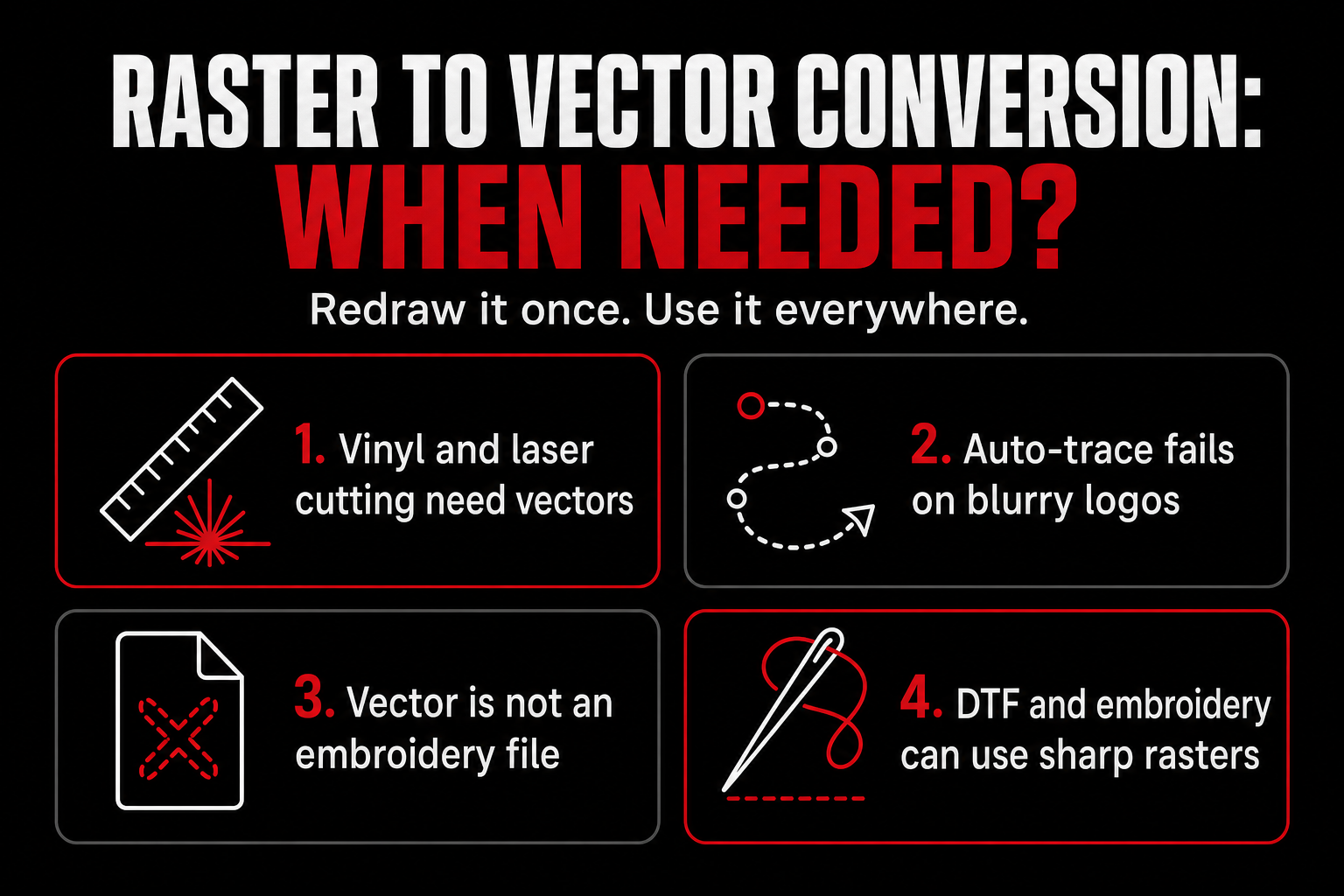
- Vinyl and plotter cutting, laser cutting and spot-colour screen printing need true vector paths; DTF and embroidery can work from a sharp raster, but a vector makes both cleaner and easier
- Auto-trace turns blur, JPG noise and jagged edges into extra points and lumpy curves, so low-quality logos usually need a manual redraw, not a one-click trace
- A vector file is not an embroidery file; a digitizer still has to plan stitch types, underlay, density, pull compensation and sewing order, but a clean vector gives them exact shapes to build on
TL;DR: Raster to vector conversion redraws a pixel image (JPG, PNG, screenshot) as mathematical paths that stay sharp at any size. You need it for vinyl and plotter cutting, laser cutting and spot-colour screen printing. DTF and embroidery can run from a sharp, high-resolution raster, but a clean vector makes both easier. Blurry logos need a manual redraw, not auto-trace. Our raster to vector conversion service redraws artwork by hand.
AI-generated infographic.
This guide is for embroidery shops and decorators who take customer artwork in every shape and size: a logo pulled from a website, a photo of an old shirt, a 200-pixel PNG from a social profile. It explains what raster and vector really mean, which decoration methods need a vector and which don't, why one-click tracing often lets you down, and where vector art fits next to embroidery digitizing.
Raster vs vector in one minute
A raster image is a grid of coloured pixels. JPG, PNG, GIF, BMP, TIFF, PSD and most screenshots are raster. It has a fixed resolution, so when you enlarge it, each pixel just gets bigger and edges turn soft or stepped.
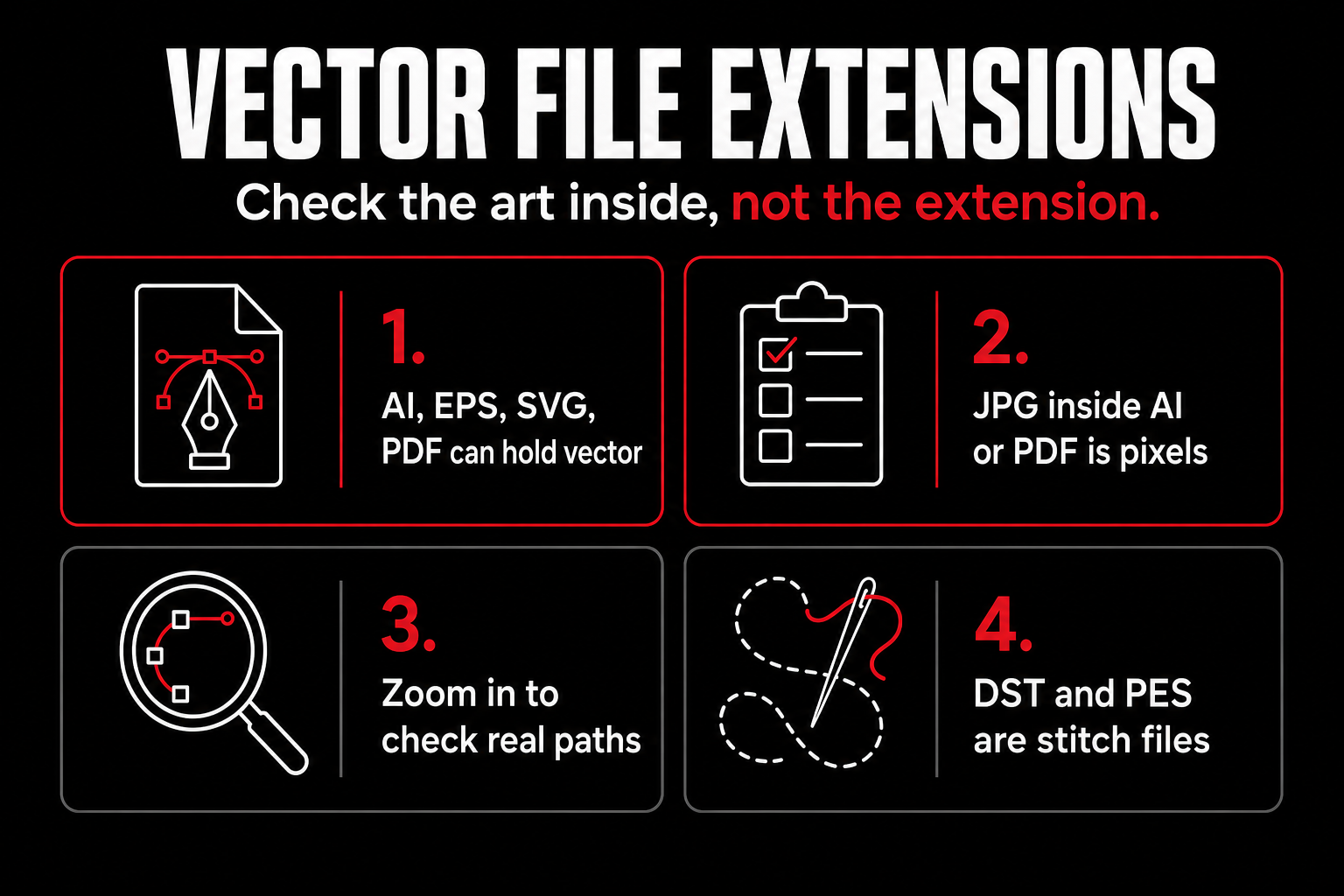
A vector image stores shapes as points and curves (paths) with fills and strokes. AI, EPS, SVG and most PDFs from design software are vector. Because the shapes are calculated, a vector logo prints as sharply on a 14-inch jacket back as on a business card.
Good to know: a file's extension doesn't prove it is vector. A PDF or EPS can simply wrap a pasted-in JPG. Open it in Illustrator, Inkscape or CorelDRAW and switch to outline view (Ctrl/Cmd + Y in Illustrator). If you see clean path outlines, it is vector. If you see one rectangle, it is a raster inside a vector container.
Raster to vector conversion means rebuilding the shapes of a raster image as paths. That can be done by software tracing or by a person redrawing it point by point.
Which decoration methods need a vector?
Each process reads artwork differently. This is how we sort jobs.
| Process | Needs a true vector? | Why | What to ask the customer for |
|---|---|---|---|
| Vinyl / heat-transfer vinyl cutting | Yes | The plotter blade follows paths; it can't cut pixels | AI, EPS, SVG or vector PDF |
| Laser cutting and vector scoring | Yes | The laser follows hairline vector paths to cut or score | Vector with cut lines set as hairlines |
| Laser raster engraving | No | The laser engraves line by line like a printer, from a bitmap | High-resolution raster or vector fills |
| Screen printing, spot colours | Strongly preferred | Each ink needs its own clean, separated film | Vector with spot (Pantone) colours |
| Screen printing, photo or gradient art | No | Separated as halftones in Photoshop | High-resolution raster at print size |
| DTF and sublimation transfers | No, but it helps | Printed as an image; 300 DPI at final size is the usual spec | Transparent PNG at 300 DPI at print size, or vector |
| Embroidery | No | A digitizer rebuilds the design as stitches anyway | Best file available; vector is ideal |
| Patches and appliqué cut on a laser or plotter | Yes, for the cut shape | The cutter needs a path that matches the stitch file | Vector of the cut outline |
Vinyl and plotter cutting
Cutters such as Cricut, Siser, Roland and Graphtec follow paths. Cricut's own Design Space splits uploads into "Basic" (raster) images, which you have to clean up and which come in as a single layer, and "Vector" images, which upload cut-ready as designed. A raster logo can be forced through, but the edges come out wobbly and small text often fails to weed. For HTV on polos, bags and hoodies, we recommend a clean vector every time.
Laser cutting and engraving
Laser software, such as Trotec's JobControl and Epilog's driver, treats vector lines set as hairlines as cut or score paths, and treats bitmaps and filled shapes as raster engraving. So a photo can be engraved on a leather patch from a raster file, but cutting the patch outline needs a vector path. Check your laser maker's hairline setting before you send a job.
Screen printing
For solid, spot-colour logos, a vector lets you set each colour as a separate spot (Pantone) ink and output clean films with no soft edges. PRINTING United Alliance's guide to garment separations recommends spot colours rather than CMYK for screen printing, and vector programs for type and hard-edged graphics. Photographic or gradient artwork is a different case: it is usually separated as halftones in Photoshop from a high-resolution raster, so a redraw is not the goal there. Many printers also set a minimum line weight (often around 1 pt for spot colours); confirm it with your screen printer.
DTF and sublimation
DTF printers print an image, not paths, so a sharp raster works. The common requirement from DTF suppliers is a transparent PNG at 300 DPI at the final print size. That means a 12-inch-wide back print needs about 3,600 pixels across (12 x 300). A 600-pixel logo from a website can't meet that. In that case, a vector redraw is the quickest way to a file that prints sharp at any size, with a truly transparent background and no halo of leftover white pixels.
Why auto-trace often fails on customer logos
Illustrator's Image Trace, Inkscape's Trace Bitmap and the many free online converters all work the same way: software looks for edges between colours and fits curves to them. On a crisp, high-contrast, high-resolution image with few colours, that can work well.
Customer artwork is rarely like that. Auto-trace struggles with:
- JPG compression noise. The blocky artefacts around edges become extra shapes and specks.
- Blur and low resolution. The software has to guess where an edge is, so curves come out lumpy and corners go round.
- Small text. Letters merge, counters (the holes in a, e, o) fill in, and serifs disappear.
- Gradients and shadows. They break into dozens of stepped colour bands.
- Gaps between shapes. Adobe notes that tracing results stay an "Image Tracing object" until you expand them, and expanded traces often leave thin gaps or overlaps between colour areas.
The result usually has far more anchor points than the shape needs. That matters downstream: vinyl cutters chatter on jagged paths, screen films show wobbly edges, and a digitizer has to clean every curve before using it.
A manual redraw is different. An artist rebuilds each shape with as few points as possible, makes straight lines straight and circles round, matches or rebuilds the font, and sets flat spot colours. That is the work behind our vector art conversion service.
Quick checklist: trace it or redraw it?
- The image is large, sharp and has 1 to 3 flat colours: auto-trace, then check it in outline view.
- The image is small, blurry, a screenshot or a photo of a garment: redraw.
- The logo has small text, fine lines or a custom script: redraw.
- The job is for vinyl, laser cutting or spot-colour screen printing: redraw unless the trace is clean.
- The file will be used again for years on many products: redraw once and keep it as the master.
How vector art relates to embroidery digitizing
A vector is not an embroidery file. An embroidery machine reads stitch files such as DST, PES, EMB, JEF or EXP, which hold needle positions, trims and colour changes. Vector paths hold none of that.
Embroidery software can import vectors. Wilcom's EmbroideryStudio documentation, for example, describes bringing vector graphics in through its CorelDRAW mode and converting vector objects into embroidery objects, or placing artwork as a backdrop to digitize over. But converting a shape is not the same as digitizing it. A digitizer still has to decide:
- Stitch type for each shape: satin for narrow columns and text, fill (tatami) for large areas, run stitches for fine detail.
- Underlay under each object to stabilise the fabric and lift the top stitches.
- Density suited to the fabric and thread.
- Pull compensation, so satin columns don't sew narrower than the art and shapes stay aligned on a stretchy polo or a thick towel.
- Sewing order to limit trims and stop shapes shifting; on caps, that means centre-out and bottom-up.
So why does vector art help embroidery? Because the digitizer gets exact shapes instead of guessing at blurry edges. Text is legible, curves are true and colours are flat, which makes a clean file faster to build. It also shows what won't sew. Melco's small lettering guide puts the practical minimum for most embroidery text at about 0.25 inch tall, so detail that looks fine in a vector at 2 inches may need simplifying for a left chest.
You do not need a vector before ordering digitizing. Our embroidery digitizing and logo digitizing services work from JPG and PNG files and redraw shapes as part of the job. Order a separate vector redraw when the same logo will also go to vinyl, screen print, DTF or a laser, so every decoration method works from one clean master. Before you order, run the image through our free artwork analyzer to see colours, coverage and whether text will be too small at your size.
What files to ask for after a vector redraw
When a redraw is done, ask for a set that covers every process in your shop:
- AI: the editable master for Illustrator.
- EPS: widely accepted by screen printers and sign shops.
- SVG: for cutters, laser software and the web.
- PDF: for proofs and print-ready output.
- A transparent PNG at 300 DPI at your largest print size, for DTF.
Ask for outlined text (or the font names), spot colours named with Pantone references if you screen print, and a one-colour version for vinyl, engraving and single-colour embroidery.
Ready to clean up your artwork?
Send us the image you have, even a small or blurry one, and tell us what it is for: embroidery, vinyl, DTF, screen print or laser. We will tell you whether it needs a redraw or can go straight to digitizing. For prices, see digitizing pricing; our digitizing turnaround is 24 hours standard and 8 hours rush, with free minor edits.
Request a quote for vector conversion or digitizing.
Sources and references
- Raster vs vector images, Adobe
- Convert images to vector graphics with Image Trace, Adobe Illustrator help
- How to upload images (Basic vs Vector uploads), Cricut
- Raster engraving vs vector engraving, Trotec Laser
- Separations for garment screen printing, PRINTING United Alliance
- DTF transfer resolution requirements, DTF Sheet
- Art requirements for DTF printing, Coldesi
- Digitizing with vectors, Wilcom EmbroideryStudio help
- Import vector graphics, Wilcom EmbroideryStudio help
- Small lettering guide, Melco
- raster to vector conversion
- vector art
- vector redraw
- DTF artwork
- vinyl cutting
- screen printing separations
- artwork prep for digitizing
Written by
HatDigitizing Production Team
Embroidery digitizers
Our articles are written by the digitizers who build and test stitch files for embroidery shops every day. Every tip comes from files we have run on real caps and garments, and each article is reviewed by a senior digitizer before it is published.
Need this design digitized?
Send your artwork and get a quote by email. Standard files are ready in 24 hours, rush in 8.
Get a free quote